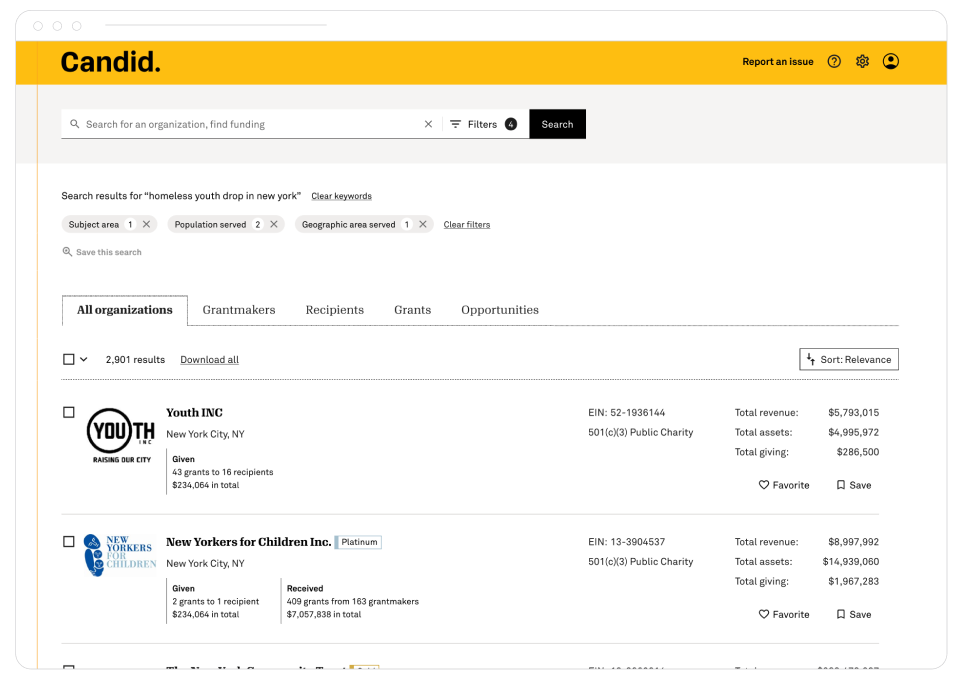
CANDID SEARCH
Search engine results tailored to each user type
When a solution collides with user needs, listening, learning, and adjusting leads to a simpler, stronger outcome.
My Role
Product Designer
My Output
User Experience design
UI design
Prototypes
Research
CHALLENGE
Divergent user segments. One search.
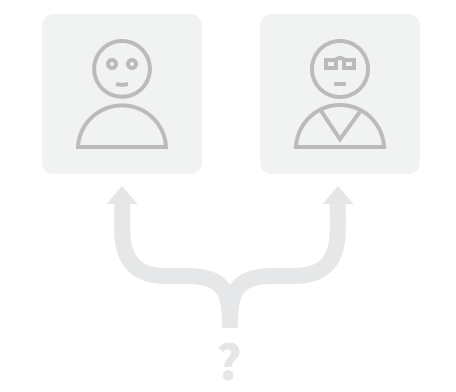
Candid's users have differing goals and levels of professional experience. Some users simply want to look up an organization. Other users want to do in-depth research, find funding, or identify prospects.

PROBLEM
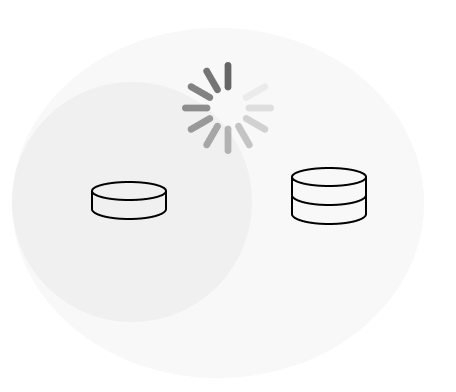
A noticeable increase in page load time when all data and processing capabilites were engaged.
Free, casual, top of the funnel users, were experiencing delayed load times for simple name look up type searches because all searches engaged all data and processing capabilities.
SOLUTION (?)
Segment searches. Ask users to select path.
As the designer, I was presented with the task of making it clear to users that they should choose a search type, a path, that matches their needs.

USER RESEARCH
Identifying pain points. Defining the problem.
I conducted open ended interviews with current users of the product as well as Subject Matter Experts to understand user goals and obstacles. And, crucially, to ensure that we were working on solving a clearly defined and identifiable problem.
COMPETITIVE RESEARCH
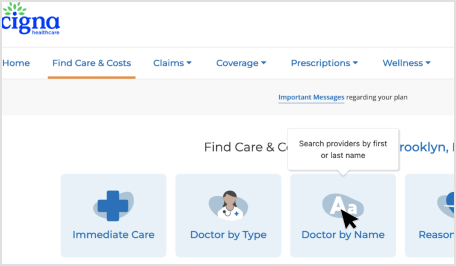
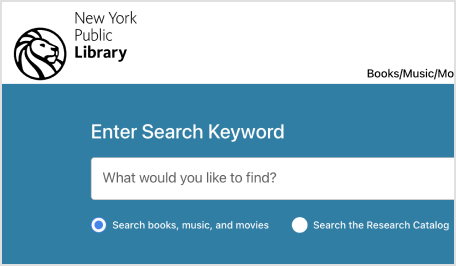
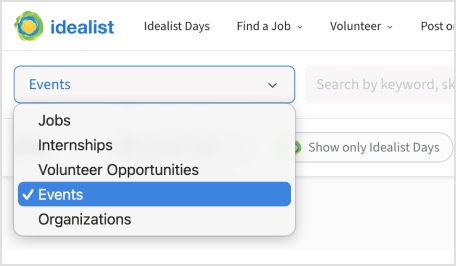
I surveyed a range of organizations identifying and documenting a many solutions to the problem of users choosing their own path. For example:
Clickable Card
Radio Button
Dropdown Selection
UI DESIGN SOLUTIONS
Some of the designs shared with users and stakeholders
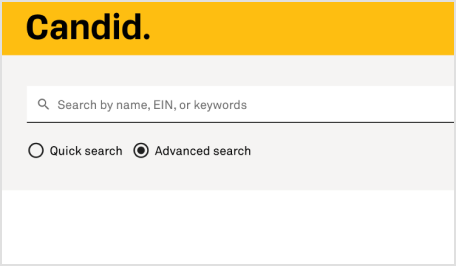
Radio button to switch between modes
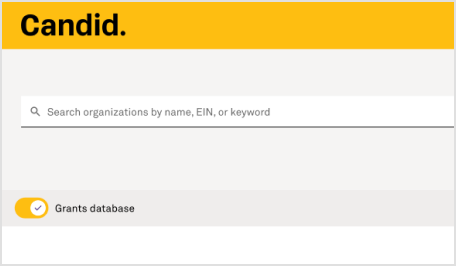
Toggle to engage additional data and processing
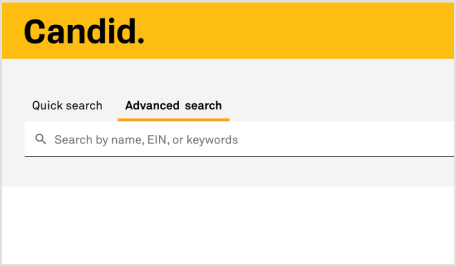
Tab to switch modes
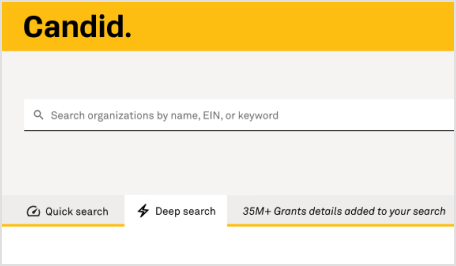
Tab with icons to help identify modes
USER TESTING
“Why would I ever switch from Advanced?”
After user testing and interviews, it became clear that users saw no benefit to switching between search modes. Users simply wanted the best search for their needs.

PIVOT
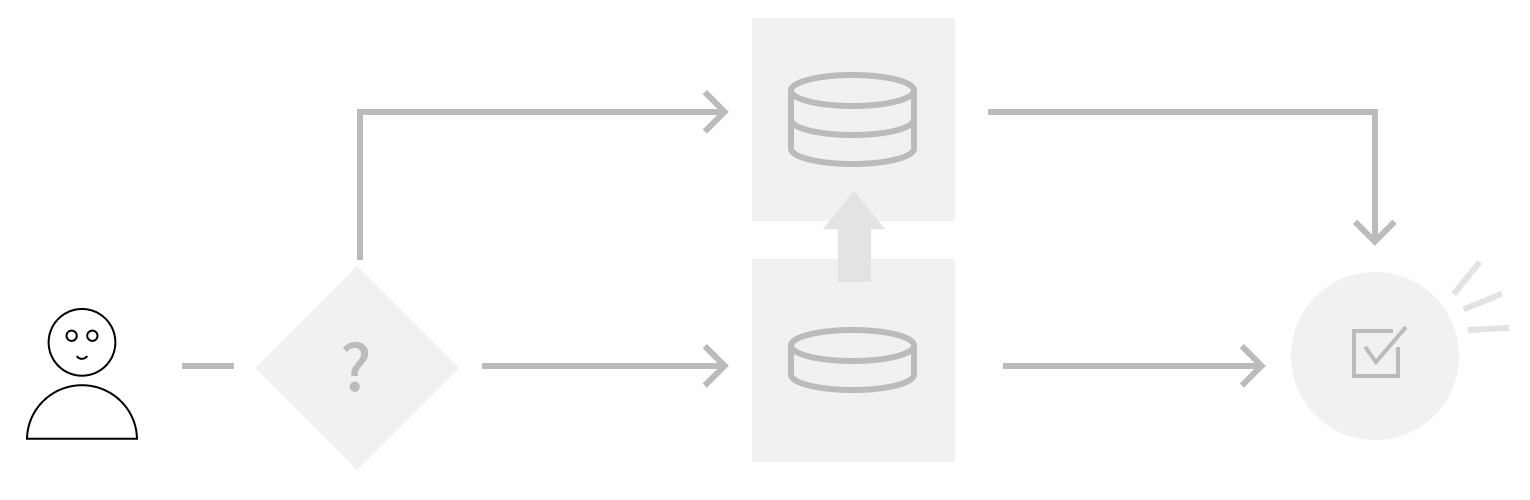
Identify user type. Serve the right search for each user’s goals.
Rather than ask the user to understand the choices and make the best selection, we used what we already knew about users through the onboarding process to determine which users would get specialized data and processing.
Users that required a speedy, accurate lookup of an organization, got it without having to ask. Users that needed a deep dive into Candid's full data capabilites, got it without having to ask.
Additionally, we contined to support a high level of individualized cusotomization of search features including saved search, saved projects, detailed filtering, and sorting.